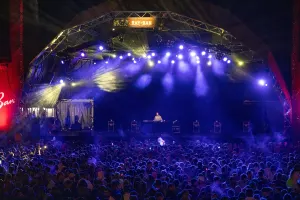
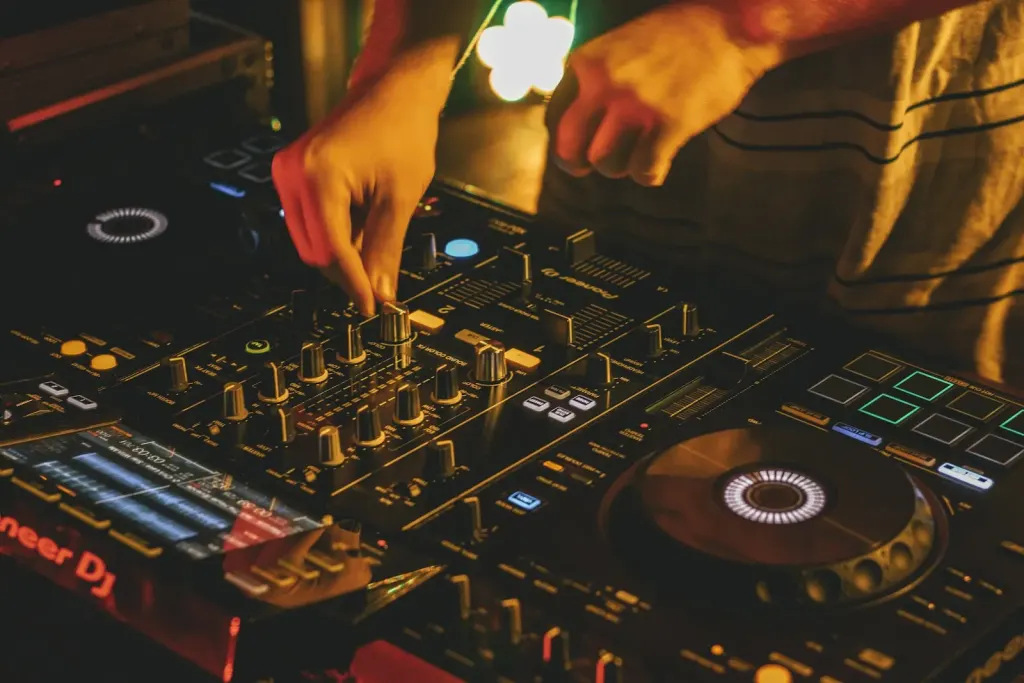
Once, years ago, I forgot my headphone adapter. It was a bar I’d played a dozen times, where the house Pioneer mixer had a quarter inch headphone socket and my Beyerdynamic DT 250s had a standard mini jack. I’d been bridging that gap for years without thinking about it. That night I’d grabbed a different bag, and the adapter was in the other one, sitting on my desk at home.
The sound engineer lent me a phone cable that sort of worked for about forty minutes before the connection gave out. I played the rest of the set by ear, trusting what I knew about the tracks rather than cueing anything properly. Nobody in the room would have known, but I spent three hours in a low grade panic that wrecked the social side of the night.
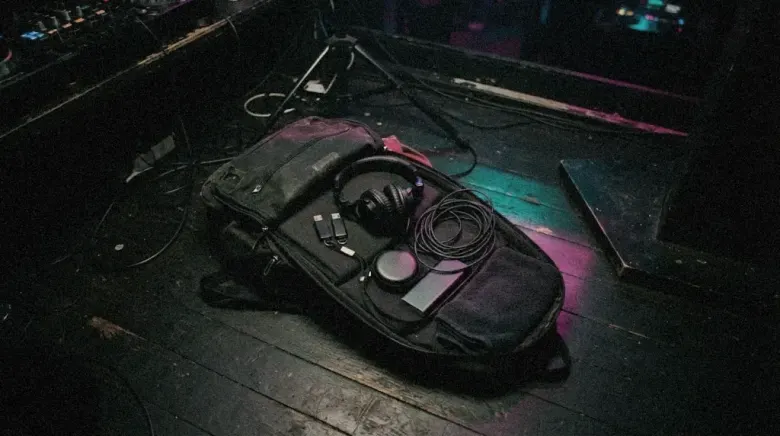
Since then I’ve been, probably to an excessive degree, the DJ who checks his bag twice before leaving the house. The bag itself matters less than what’s in it: a library that can survive a dead drive, the small cables and adapters that every booth seems to be missing, a backup layer most people skip, and habits that keep the whole thing from walking off after your set.
Pick the Bag for How You Travel
The type of bag is the least interesting question, but it’s the first one people ask. If you’re DJing digitally with a laptop, a USB library and no bulky hardware, a good padded backpack is the most practical choice for most gigs. It spreads the weight, keeps your hands free, protects a laptop and doesn’t draw attention. DJ backpacks from companies like Magma or Odyssey have dedicated padded compartments, but any decent padded laptop backpack works if you organise it carefully.
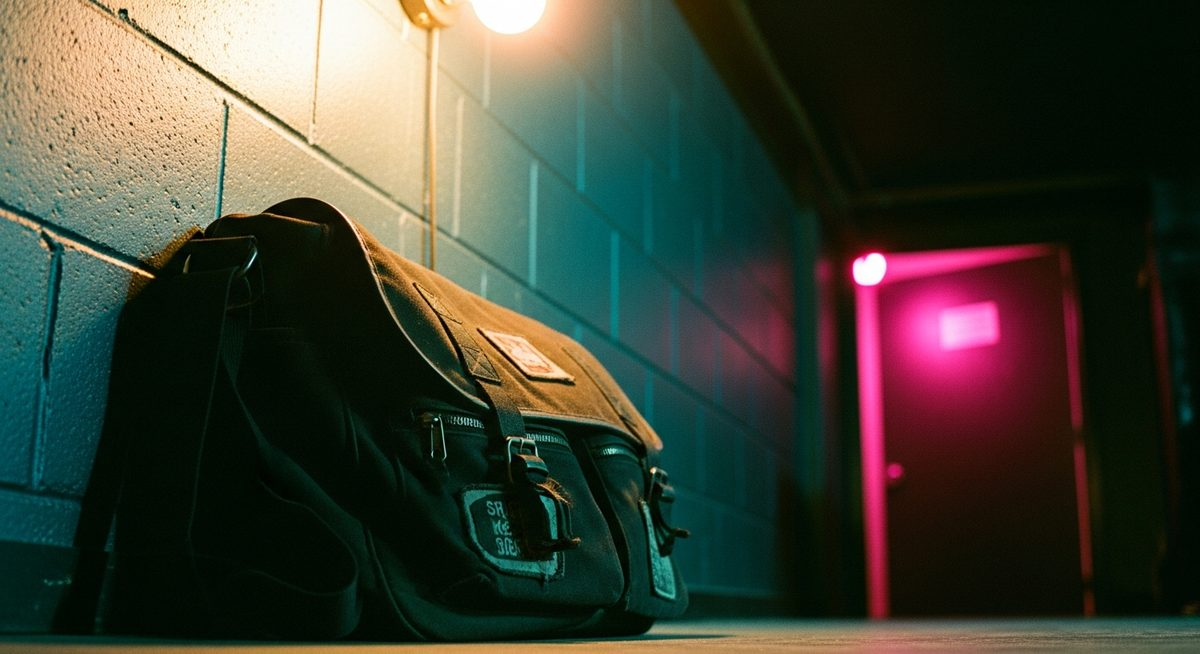
If you carry vinyl, the physics change. Records are heavy, fragile at the edges and need protecting from moisture. A dedicated record bag with proper dividers is the answer. Milk crates have an aesthetic and a tradition, but they offer no protection from rain, theft or a bad drop, and for any distance a padded record bag is worth the money.
If you fly to gigs regularly, a hard flight case for your most expensive and irreplaceable gear is the sensible choice, and for CDJs and mixers it’s non negotiable. For a laptop, it depends on whether airlines handle your bag with care, and in my experience that’s inconsistent, so a case is worth it once your fees justify it. Check the battery rules before you pack: since March 2025, Korean owned airlines have banned power banks from overhead bins and want them bagged or their terminals taped, so ask your airline what applies on the day you fly.
Three USB Drives, Because Drives Fail
A USB drive with your complete library, prepared in rekordbox or whatever the venue uses, is the core of the bag. I carry three. One is the main library, one is a backup of the same library, and one is a smaller emergency set of fifty tracks I could play a competent two hour set from in any genre I work in. The main and backup drives are updated before every gig; the emergency drive once a month.
The Night Before the Gig
Everything from this guide as a list you can tick. It remembers your ticks on this device.
Packed0 of 15 done
Test the driveExport with rekordbox 7.2.11 or later so the stick carries both Device Library and OneLibrary, then test it on the oldest player you expect to meet.
This sounds paranoid until it happens. I’ve had a drive that worked fine the day before refuse to mount at a gig, and the backup turned a crisis into a five second swap. The emergency drive has saved one gig on its own, at a venue where the players were on an older firmware that didn’t recognise my library formatting, while the emergency stick, prepared on an older rekordbox, worked fine.
That problem has a new version. AlphaTheta’s current players now read two different library formats from the same stick. In a March 2026 notice, the company says the CDJ-3000X, XDJ-AZ, Opus Quad and Omnis Duo read OneLibrary, the format previously called Device Library Plus, while the CDJ-3000 and older players read the original Device Library. Playlists exported only in the old format may not appear on a CDJ-3000X. Exporting with rekordbox 7.2.11 or later writes both, so update before the gig and test the stick on the oldest player you expect to meet.
Which Library Your Player Reads
AlphaTheta players and the USB library format each one loads
플레이어별 USB 라이브러리 형식
| Player | Reads | What to do |
|---|---|---|
| CDJ-3000X, XDJ-AZ | OneLibrary | Export with rekordbox 7.2.11 or later |
| Opus Quad, Omnis Duo | OneLibrary | Same export covers both formats |
| CDJ-3000, XDJ-XZ | Device Library | Older exports still work |
| CDJ-2000NXS2 and older | Device Library | Test the stick before you leave |
The ruleOne up to date export now carries both libraries. Old sticks may look empty on the newest players.
Carry the Adapters Every Booth Is Missing
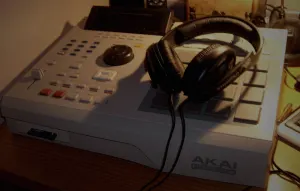
A headphone adapter, or two. Quarter inch to mini jack is the essential one, but carry whatever your own headphones need. Know what you need because you’ve checked at every venue you play regularly. Don’t assume.
Pack a USB A to USB B cable for connecting a laptop to a CDJ or mixer, a short Ethernet cable, since Pro DJ Link runs over Ethernet rather than USB, and a USB A extension. In some older booths the CDJ’s USB port is awkwardly placed, and the extension makes a long set much easier. Newer booths are changing the list: AlphaTheta’s CDJ-3000X, announced in September 2025, adds a USB C port and built in Wi-Fi, so a USB C drive or adapter is worth packing as venues upgrade.
Musicians’ earplugs live in the bag permanently. They go in as soon as I arrive at any loud venue and come out when I leave, as automatic now as the USB drives. If that’s new to you, the longer argument is in my hearing safety guide.
The Backup Layer Most People Skip
A small portable recorder. I use a Zoom H1n or a similar compact recorder that fits in a side pocket, and at most gigs I take a line out of the mixer into it without depending on the venue’s setup. The recordings aren’t broadcast quality, but they’re good enough to listen back to critically, which is the point. You notice things in the recording that you were too busy performing to notice live. Zoom’s newer H1essential, announced in January 2024, records in 32 bit float, which removes the need to set levels when you take a feed from an unfamiliar mixer.
Spare RCA cables are cheap and take almost no space, and I’ve arrived at more venues than I’d like where the house cables were missing or humming from a ground loop. With your own, you can rule the cables out straight away instead of spending the first twenty minutes of your set troubleshooting someone else’s wiring.
A small torch or headlamp. Booths are dark by design, and the controls you most need to see on an unfamiliar mixer, trims, crossfader position and EQ, are often in the darkest corner. A small, bright torch you can clip to the mixer or hold in your teeth for a moment is something almost nobody carries until the first time they need one.
Personal Kit Decides the Last Hour
Water. Not beer, not an energy drink: water, in a bottle that seals properly. A long set is more physically demanding than it looks. You’re standing the whole time, concentrating hard, usually in a warm room, and dehydration hits your concentration before you feel it. I keep a small sealed bottle in an outside pocket and drink between tracks.
Something for a headache, if you get them. It seems unnecessary until the gig where you’ve been standing in a hot room for four hours and the tension headache arriving in hour three decides whether your last hour is any good. A small container of basic pain relief takes no space and has saved several of my sets.
A business card, or contact details in a form you can hand to a promoter, a venue manager or another DJ without fuss. Phones work when both people have theirs out. A card is faster, and it’s still in their pocket the next day.
Watch the Bag Hardest When the Set Ends
DJ gear is expensive, recognisable and often sitting in places where things can disappear without anyone noticing. The riskiest moment is right after your set: you’re tired, the room is loud, people are drifting in and out of the booth, and your attention is on finishing well, not on your bag.
The answers are simple and rarely followed. Keep the bag on you or attached to the booth whenever you can. Before you start, decide where it’s going and make sure you can see it from the decks. When you finish, account for everything before you step away from the booth, not twenty minutes later from the crowd. A tracker like an AirTag takes a minute to set up and tells you straight away if the bag moves without you.
The things that matter most are the hardest to replace quickly: your USBs, your headphones and your laptop if you use one. Keep those on your body in crowded moments. Everything else can be replaced with money; your library and your setup can’t.
None of this is free. A bag packed this way is heavier, and on most nights you’ll use almost none of the backup layer. Plenty of good DJs travel lighter and trust the house kit. That works right up until the night it doesn’t, and that night is the reason the list exists.
Frequently Asked Questions
What type of bag should a DJ use?
It depends on what you carry and how you travel. A padded backpack is practical for digital DJs with a laptop and USB library. A padded record bag is essential for vinyl. A hard flight case makes sense for CDJs or regular flying. The right bag protects your gear and fits how you work, not the one that looks most professional.
How many USB drives should a DJ carry to a gig?
Two at minimum, ideally three: a main library updated before the gig, a backup of the same library, and a small emergency set that can carry a full set if both fail. Export with an up to date rekordbox, since AlphaTheta’s newest players read OneLibrary while older ones read Device Library, and test the stick on the oldest player you expect to meet.
What cables should a DJ always have in their bag?
A headphone adapter for your headphones and the mixers you meet, a USB A to USB B cable for connecting a laptop to a CDJ or mixer, a short Ethernet cable for Pro DJ Link, a USB A extension for awkward ports, spare RCA cables, and increasingly a USB C drive or adapter for newer players such as the CDJ-3000X.
How do DJs protect their equipment from theft?
Keep the bag visible and attached to the booth or on your person whenever possible. After your set, account for all your equipment before you leave the booth. Put a tracker such as an AirTag in the bag, and keep the hardest things to replace, USB drives and headphones, on your person in crowded moments.
Further Reading
- rekordbox: official site for preparing and exporting USB sets
- Wikipedia: quarter inch and mini jack connectors explained
- Wikipedia: USB flash drives and why backups matter
- Wikipedia: earplugs and hearing protection
- Wikipedia: headphones and how closed back designs work
- CDJs or a controller: which to learn on
- Hearing safety for DJs and clubbers
Sources
AlphaTheta, important notice for customers using USB devices with our DJ equipment, March 2026
Resident Advisor, AlphaTheta unveils new next gen CDJ-3000X, September 2025
Pioneer DJ, CDJ-3000 specifications
The Korea Times, on power bank rules for Korean airlines, February 2025
The Journal of Laryngology and Otology (2004), on hearing protection
Newsshooter, Zoom adds three new models to its lineup, January 2024
Sound On Sound, understanding and solving ground loops
Written from Seoul, by someone who has been in the booth for more than twenty years. More on the site, or book a DJ.
Stay in the Loop
New writing on DJ culture, electronic music, and the Seoul underground, delivered when it matters.
More From The DJ Diaries
Play with the history
Four tools built from the same research as this site.